Skip to content
Hero Section

Pair Your Message with Visual Proof in a Split-Screen Hero

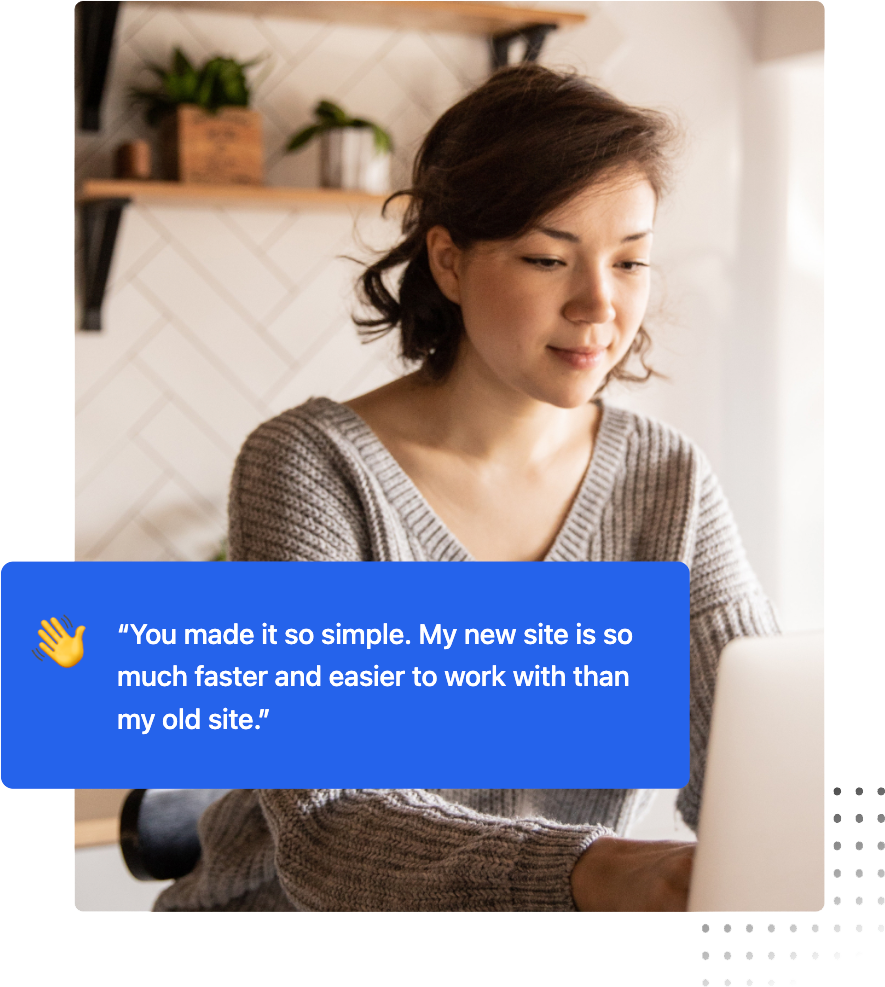
The split-screen hero is a classic for a reason: it allows you to pair a strong value proposition with a visual 'proof point.'

Whether it's a lifestyle shot or a product interface, this layout naturally guides the user's eye from the headline on the left to the visual on the right, then down to the CTA.

woman-2
Logo
Logo
Logo
Logo
Logo
Section Header

Group Your Primary Services

Use this space to give visitors a brief overview of what this section covers and what they can expect to find below.
Card image

Categorize Your Content

Use these cards to group your services or features. It helps users find what they need quickly without having to read through a wall of text.
Card image

Drive Targeted Actions

You can make each individual card clickable. This allows you to turn every card into a button that drives users to a specific landing page or resource.
Card image

Rank for Your Topics

AI models look for "Entity Groups." By grouping related card titles, you tell search engines exactly which topics your brand is an authority on.
woman-2
Content Section

Use Content Sections to Deliver Answers with High-Impact Bullet Points

This versatile layout is the workhorse of your website. It combines a primary message with a structured list to help you rank for specific topics while providing a clear, scannable experience for your visitors.
  • AEO Optimized: Structured lists help you win featured snippets in AI search.
  • Skim-Friendly: High-contrast bullets stop the scroll and highlight key value.
  • Topic Authority: Organize related points to signal deep expertise to crawlers.

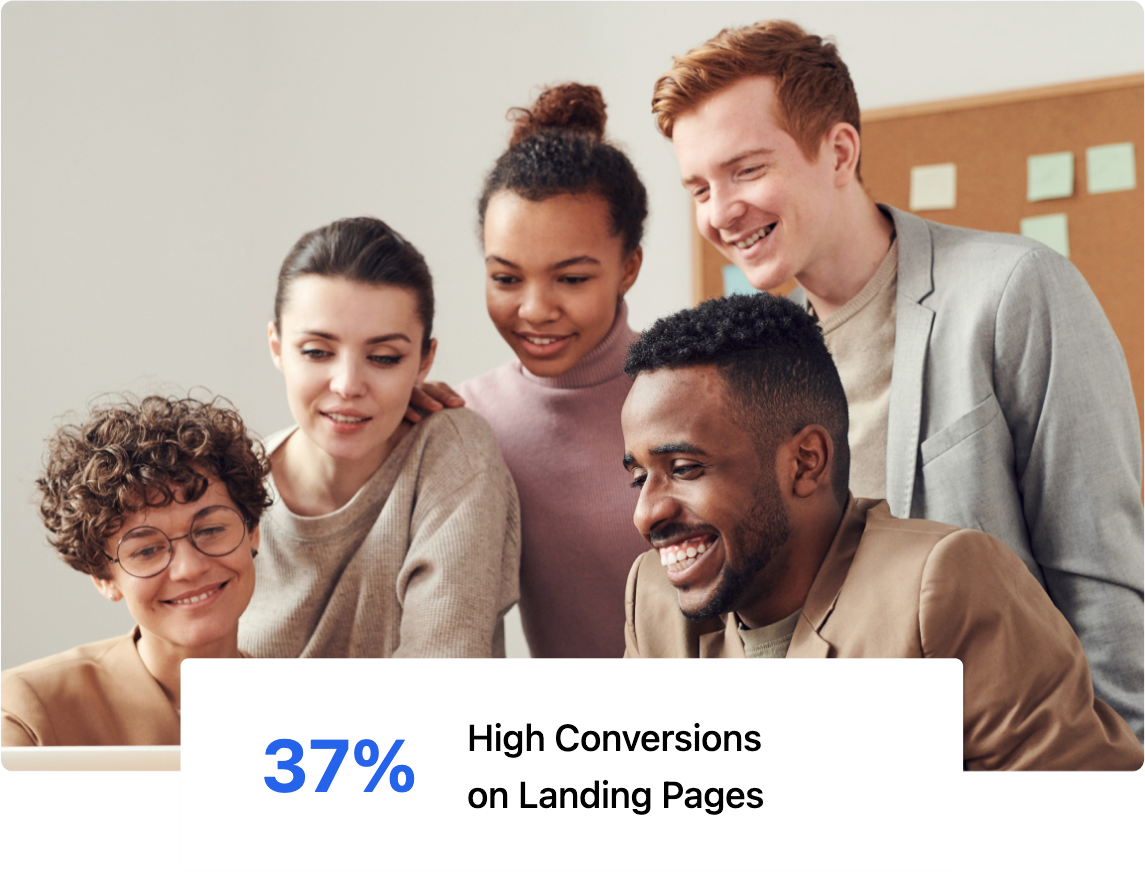
Create a Cinematic Experience with On-Scroll Image Effects

Bring your visuals to life with customizable entrance animations.

Whether it’s a soft fade, a slide, or a zoom, these interactions add a layer of professional polish that keeps users engaged as they journey down your page.

people
woman-2

Capture Attention with Dynamic Text Reveal

Guide your reader's focus by animating your headlines and body text as they enter the viewport. These subtle entrance effects make your content feel alive and ensure your most important messaging doesn't get lost in a static layout.

Section Header

Section Header

Use this space to give visitors a brief overview of what this section covers and what they can expect to find below.
Section Header

Testimonials Slider

See how our brand partners have benefited from our services.

Best Hubspot Theme

"Generator is the best Theme we've seen for HubSpot. High-Quality of development and we really love to work with David!"

Generator Theme Testimonial
Marcello G.
CEO, Heroes Group

Best Hubspot Theme

"Generator is the best Theme we've seen for HubSpot. High-Quality of development and we really love to work with David!"

Generator Theme Testimonial
Marcello G.
CEO, Heroes Group

Best Hubspot Theme

"Generator is the best Theme we've seen for HubSpot. High-Quality of development and we really love to work with David!"

Generator Theme Testimonial
Marcello G.
CEO, Heroes Group

Best Hubspot Theme

"Generator is the best Theme we've seen for HubSpot. High-Quality of development and we really love to work with David!"

Generator Theme Testimonial
Marcello G.
CEO, Heroes Group
FAQ Module

Frequently Asked Questions

This FAQ module is more than just a support tool; it’s a strategic asset designed to help your brand surface as a Direct Answer in AI-driven search results.
What is AEO and why should I include an FAQ on my page?

Answer Engine Optimization (AEO) is the process of optimizing content for AI models like ChatGPT and Google Search Generative Experience.

By providing clear, concise questions and answers, you make it easier for these engines to find and pull your content as a featured snippet or direct response.

How does the Generator FAQ module help with "Topic Authority"?

AI crawlers look for "Helpful Content" that demonstrates deep expertise.

Using this module to address specific, niche-related questions signals to search engines that your page is a comprehensive resource, which can significantly boost your overall E-E-A-T (Experience, Expertise, Authoritativeness, and Trustworthiness) ranking.

Can I customize the look of the FAQ to match my brand?

Absolutely. You have full control over the "Surface" styles, including borders, corner rounding, and drop shadows. This allows you to maintain a clean, professional look that reduces cognitive load for your users while keeping them engaged with your most important technical or service-related information.

Call To Action

Full-Width Call To Action

Place this section at the end of a page to provide a clear next step. The button uses Link to content — open the module and pick a site page, landing page, or other HubSpot content for the destination.